Part 1: How to Decide What Data is Worth Collecting
You understand why clean data matters. You know forms are better than spreadsheets. You're ready to start collecting data. But what data should you collect? The trap Businesses want to collect everything. Customer details, transaction history, employee activities, supplier performance, market trends. The list never ends. So they


Part 2: Why Spreadsheets Fail at Data Collection and What to Do About It
In Part 1, we talked about why data needs to be readable by programs, not just people. Now let's look at why the way most teams collect data is broken and how to fix it. Why spreadsheets fail at data collection Spreadsheets are flexible. That's their
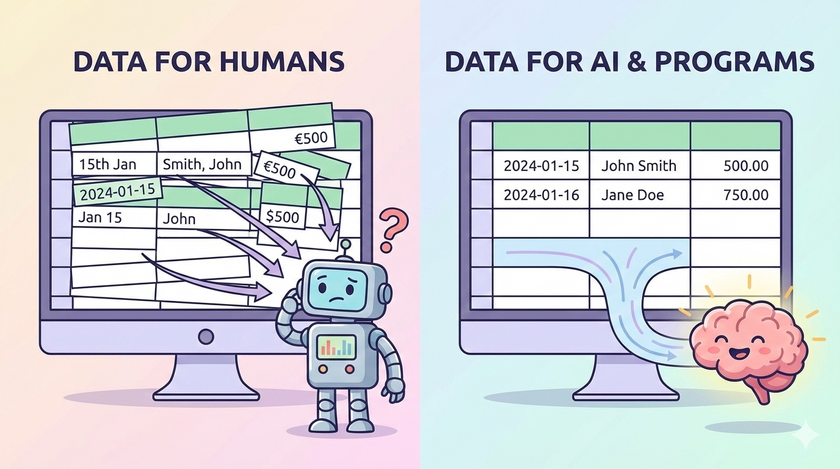
Part 1: Why Data Collection is the Foundation for Building Successful Systems
You've organised your files. You've set up permissions. You can find anything in seconds. But none of that matters if the data inside those files is a mess. Most teams collect data. Few collect it in a way that's actually useful. This post is
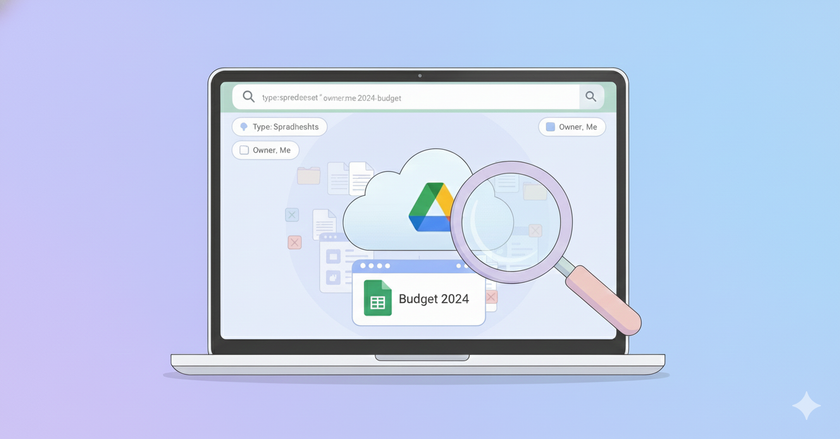
How to Find Any File in Google Drive Using Search
Your Google Drive is organised. Your permissions are in order. But now you have hundreds of files, and you can't remember where you put that one document from three months ago. Scrolling through folders won't work. You'll waste ten minutes looking for something that
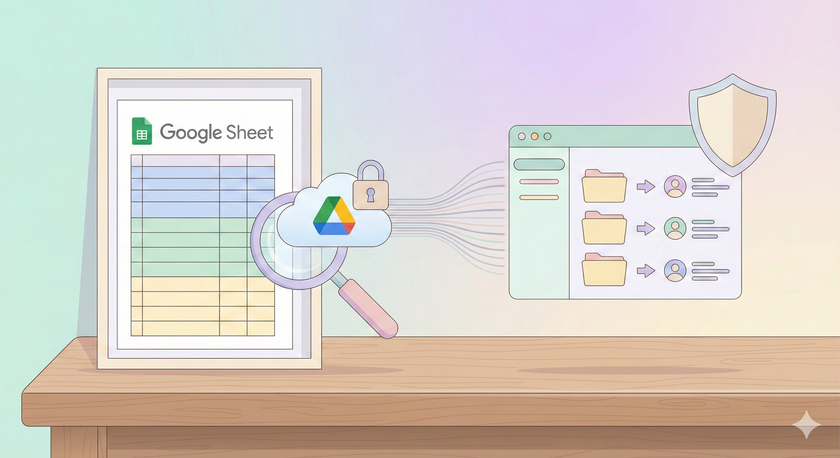
How to Audit Your Google Drive Sharing with a Simple Tracker
You've built a sharing structure. But how do you know if it's still in good shape six months from now? Files get shared with the wrong people. Permissions pile up. What started clean becomes a mess. Checking manually doesn't work. You'd have
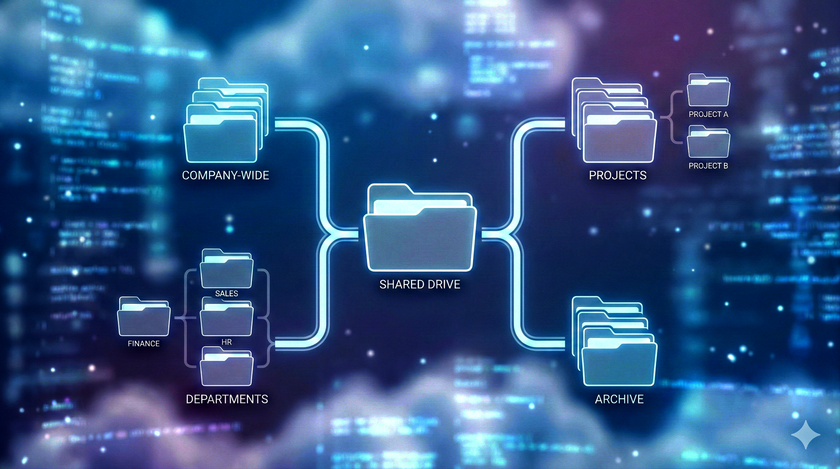
How to Create a Sharing Structure That Lasts
You know how to share files. But sharing one file at a time to one person at a time doesn't work when your team grows. You need a system that holds up over time. This post is about building that system. The problem with sharing files one by
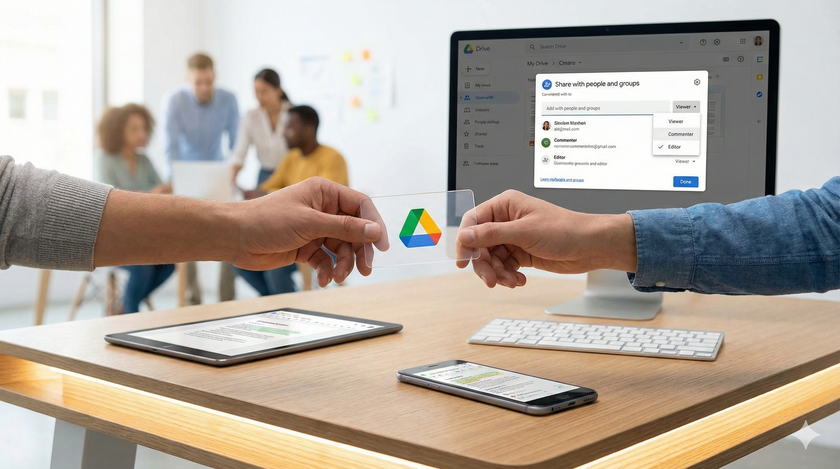
How to Share Files and Folders in Google Drive
Your files are on Google Drive. Now let's talk about sharing them without clogging up everyone's inbox with attachments. This is where Google Drive transforms from personal storage into a collaboration tool. How sharing actually works Think of your Google Drive as your house. When you
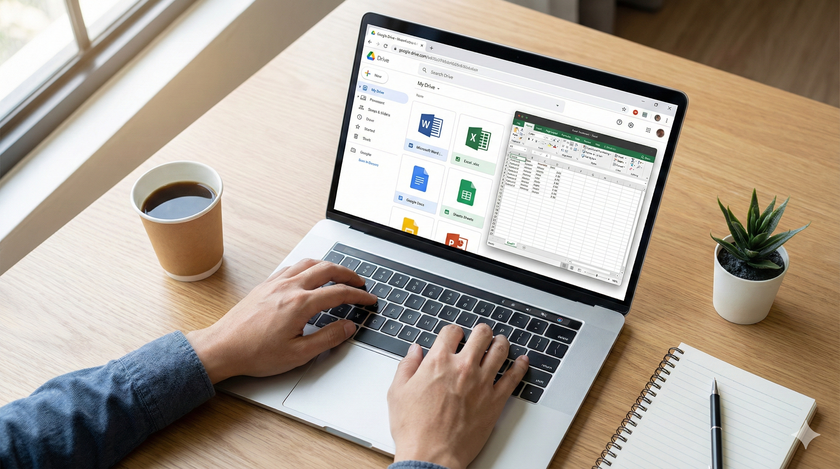
Uploading Excel, Word, and PowerPoint Files to Google Drive
You've organized your folders. Now let's talk about uploading the files you probably use most: Excel spreadsheets, Word documents, and PowerPoint presentations. Google Drive accepts all of these. And here's the good news: you can edit them directly without converting them to Google'
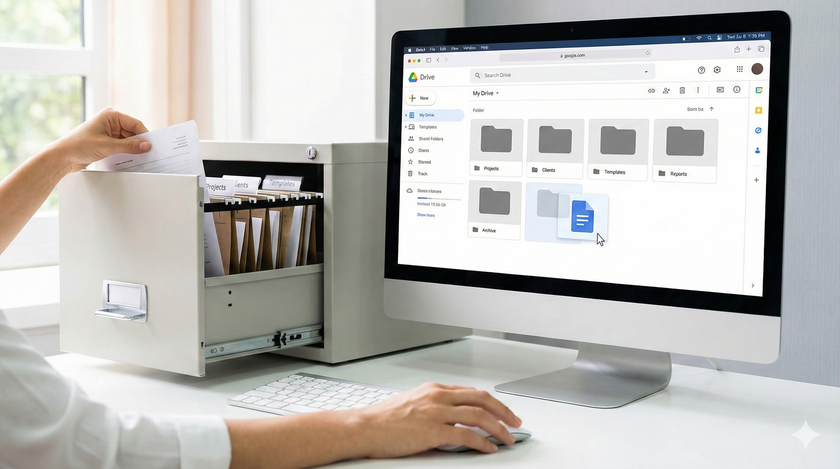
How to Organize Folders in Google Drive
You've uploaded your files to Google Drive. Now comes the part most people skip and later regret: organization. Think of Google Drive like a warehouse. You can throw everything inside, and technically it's all there. But when you need to find one specific document six months
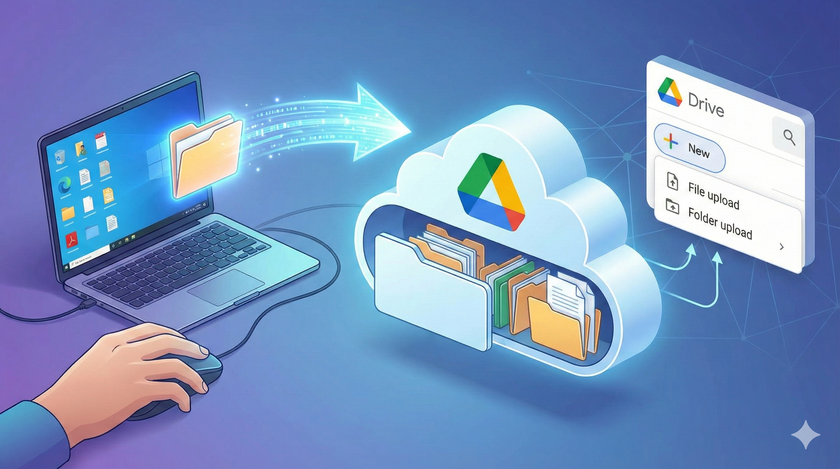
How to Upload Files to Google Drive
In the previous post, we talked about Google Drive being like a computer that Google runs for you. Now let's look at how you move your files from your computer to Google's. Think of it like moving your documents from your desk drawer to that shared

What is Google Drive?
Think of Google Drive as a computer that Google runs for you. Instead of storing your files on the machine sitting at your desk, you store them on Google's machine, which you access through the internet. But it's not just storage. Google Drive can run applications