Basics of Cloud
Learn the basics of working on Google Drive
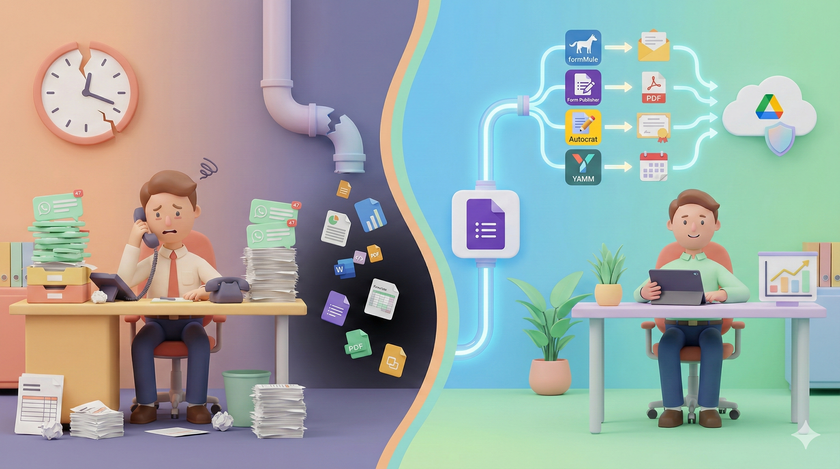
Your Google Form Collects Data. Then Nothing Happens.
Neha runs a coaching institute. 40 students per batch. Three batches a year. Every batch starts the same way. Students fill an enrollment form. Name, phone, email, course selected, payment mode. The data lands in a Google Sheet. Neha looks at it. Then she opens Gmail and types a welcome


Your Biggest Security Risk Is Not Hackers
Most business owners think about security the wrong way. They imagine hackers in dark rooms, running sophisticated attacks. They assume their business is too small to be a target. Or they believe security requires expensive software and dedicated IT teams. The data tells a different story. Where breaches actually come

When Forms and Sheets Are Not Enough
You have built your first system. Google Forms collects data. Google Sheets stores it. Formulas summarize it. Your team can see the numbers in real time. This is already more than most businesses have. But soon you will hit a wall. Someone fills your feedback form. You want to send

Working on the Same Sheet at the Same Time
This is where Google Sheets becomes fundamentally different from Excel. In Excel, a file lives on someone's computer. If you want to work on it, you need a copy. If two people need to update it, one person works on it first, saves it, emails it to the
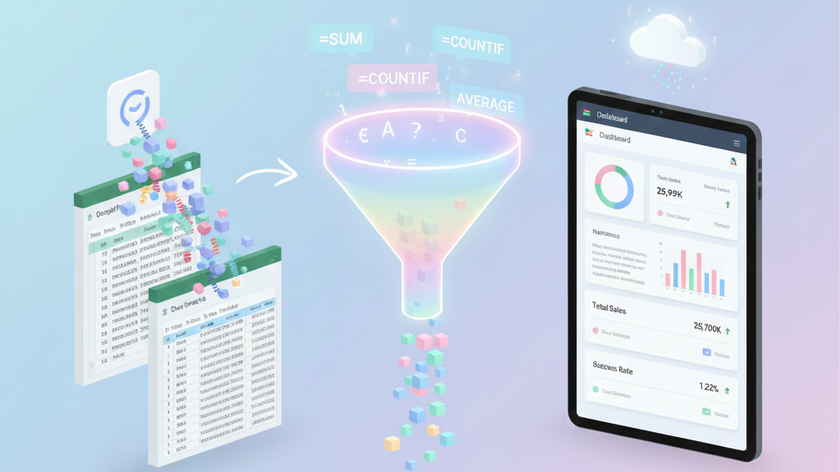
Five Formulas That Run Your Reports
You do not need to learn a hundred formulas. You need five. These five formulas will cover 90% of what you want to track. Total sales. Number of orders. Average deal size. Complaints by category. Performance by salesperson. All of it comes down to counting and adding, with or without
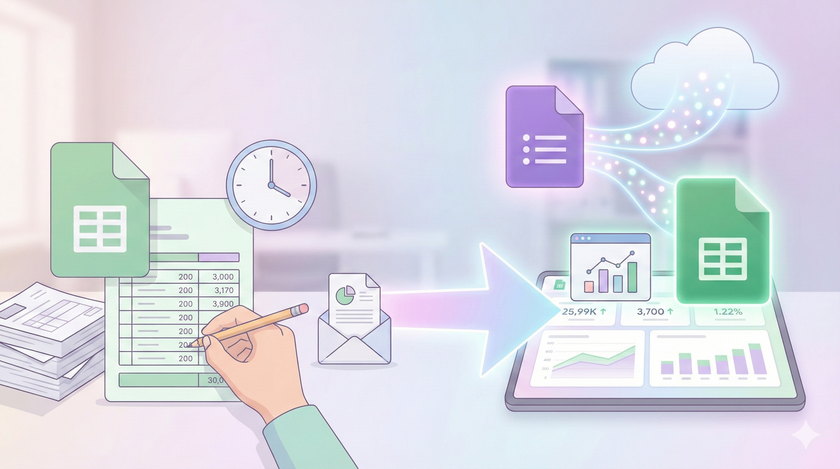
Your Reports Can Update Themselves
If you have been using Excel for years, this will feel strange at first. In Excel, you pull data from somewhere. You process it. You create a report. You email it to someone. Next week, you do the same thing again. And again. Every report is manual work. This is
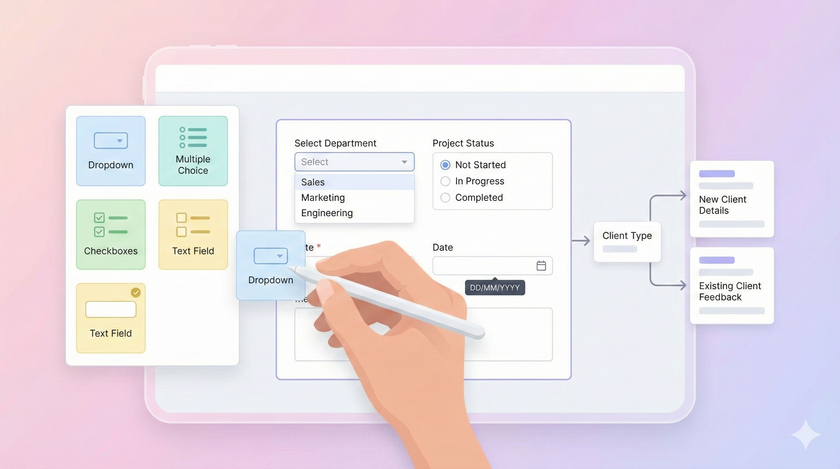
How to Design Google Forms That Collect Clean Data
You know what data to collect. You know how to make collection stick. Now it's time to build the form. This post is not a step-by-step tutorial on creating Google Forms. There are hundreds of YouTube videos for that. Search "Google Forms tutorial for beginners" and

Part 2: Why Spreadsheets Fail at Data Collection and What to Do About It
In Part 1, we talked about why data needs to be readable by programs, not just people. Now let's look at why the way most teams collect data is broken and how to fix it. Why spreadsheets fail at data collection Spreadsheets are flexible. That's their
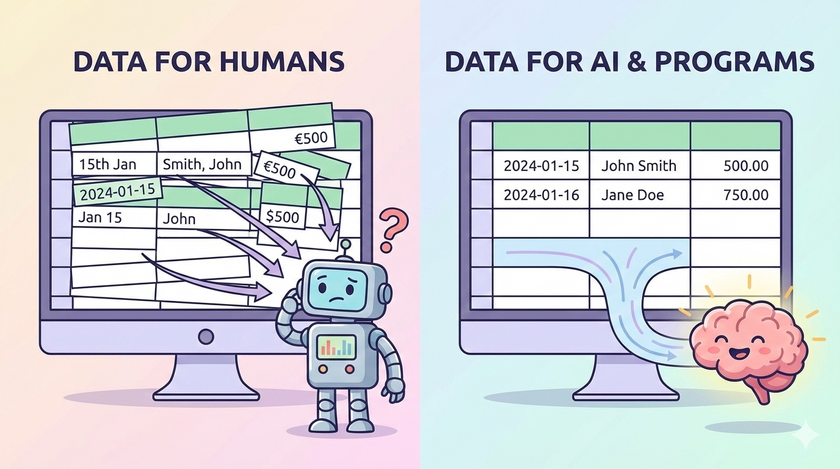
Part 1: Why Data Collection is the Foundation for Building Successful Systems
You've organised your files. You've set up permissions. You can find anything in seconds. But none of that matters if the data inside those files is a mess. Most teams collect data. Few collect it in a way that's actually useful. This post is
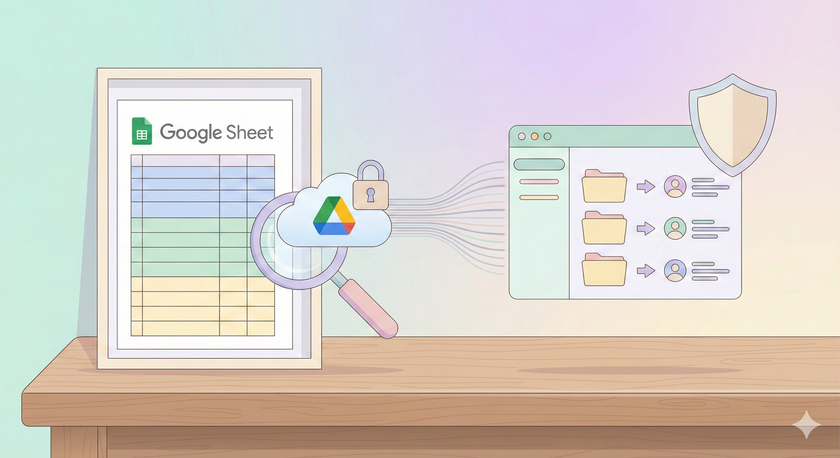
How to Audit Your Google Drive Sharing with a Simple Tracker
You've built a sharing structure. But how do you know if it's still in good shape six months from now? Files get shared with the wrong people. Permissions pile up. What started clean becomes a mess. Checking manually doesn't work. You'd have
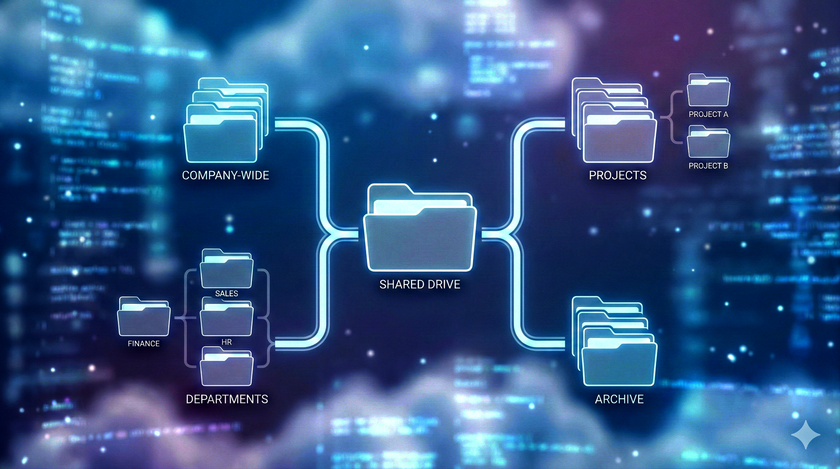
How to Create a Sharing Structure That Lasts
You know how to share files. But sharing one file at a time to one person at a time doesn't work when your team grows. You need a system that holds up over time. This post is about building that system. The problem with sharing files one by

How to Share Files and Folders in Google Drive
Your files are on Google Drive. Now let's talk about sharing them without clogging up everyone's inbox with attachments. This is where Google Drive transforms from personal storage into a collaboration tool. How sharing actually works Think of your Google Drive as your house. When you