Building Systems
Learn how to create successful business management system

You Call It Attrition. They Call It Escape.
Priya joined your company 8 months ago. Sales support. ₹18,000 a month. Smart. Quick learner. Good with clients. Here is what Priya actually did every morning. She opened IndiaMart. Copied lead names, phone numbers, and product inquiries into a Google Sheet. One by one. 47 leads on a good


Someone Searched for You Last Month. Found Your Competitor. Gave Him the Deal.
Rajesh runs a packaging business in Noida. 22 years. Knows every material, every GST rule, every supplier trick. His clients swear by him. Last month, a potential client searched "custom packaging for D2C brands Delhi NCR" on Google. Rajesh did not show up. Not on page one. Not

Stop Asking Rohit. Your Gmail Already Knows.
Neha runs a building materials distribution business in Jaipur. ₹8 crore turnover. 14 employees. Last Friday, her CA asked a simple question: "How many purchase orders did we receive in January?" Neha called Rohit. Rohit opened Gmail. He searched "purchase order." Got 73 results. Some were

Your Best Employee's Knowledge Lives in Their Head. That Is Your Biggest Risk.
Priya has been with you for 4 years. She handles all buyer communication. She knows that Mehta Industries wants delivery terms before payment terms. She knows that Gupta Traders gets offended if you mention MOQ in the first message. She knows that international buyers need a firmer tone and domestic

Your Google Form Collects Data. Then Nothing Happens.
Neha runs a coaching institute. 40 students per batch. Three batches a year. Every batch starts the same way. Students fill an enrollment form. Name, phone, email, course selected, payment mode. The data lands in a Google Sheet. Neha looks at it. Then she opens Gmail and types a welcome

Stop Blaming WhatsApp. You Are Using It Wrong.
Three weeks ago, a client messaged you asking about your product. You saw the message. You replied "Will send details by evening." Then another message came. Then a call. Then lunch. Then that vendor issue. Then you went home. You never sent the details. The client waited two
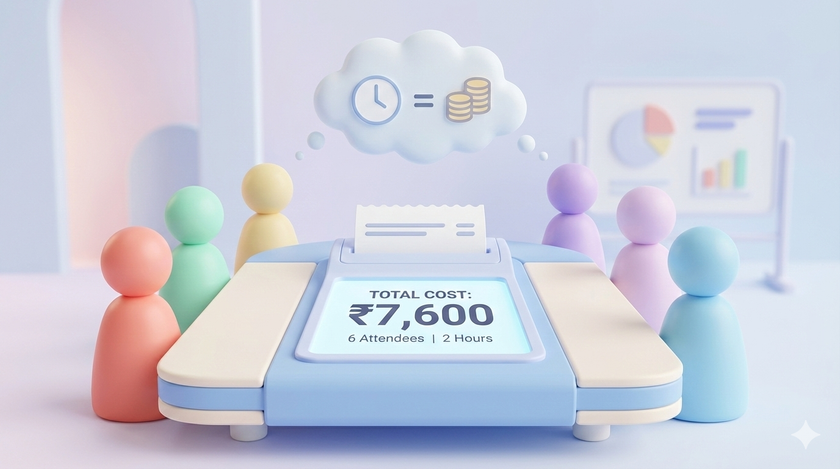
This Script Tells You Exactly How Much Money That Meeting Cost
A client called. They are upset. The delivery was wrong. Within 10 minutes, 6 people are in the conference room. You. The sales head. The operations manager. The warehouse supervisor. The dispatch coordinator. The accounts person (because there might be a credit note). Two hours later, the issue is resolved.
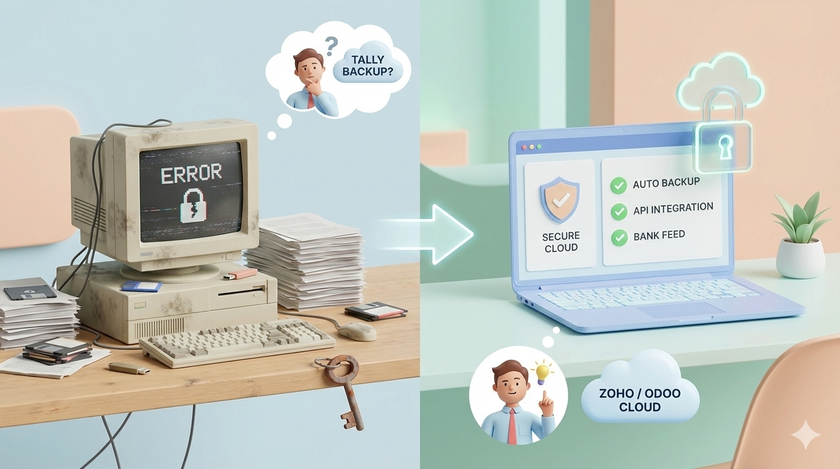
Your Most Sensitive Data Sits on Your Least Secure Computer
Think about what is on your accountant's computer. Bank login credentials. GST portal access. Balance sheets. Profit and loss statements. Salary details of every employee. Vendor payment records. Client invoices going back years. Now think about that computer. Old Windows. Never updated. Pirated software. Antivirus expired three years

Your Employee's Personal Gmail Is Holding Your Company Data Hostage
Your sales guy Manish has been with you for 3 years. He uses [email protected] for everything. Client communication. Quotations. Purchase orders. Vendor contacts. One day Manish resigns. Joins a competitor. All those client emails? Gone with Manish. All those quotations? Gone with Manish. All those vendor contacts?
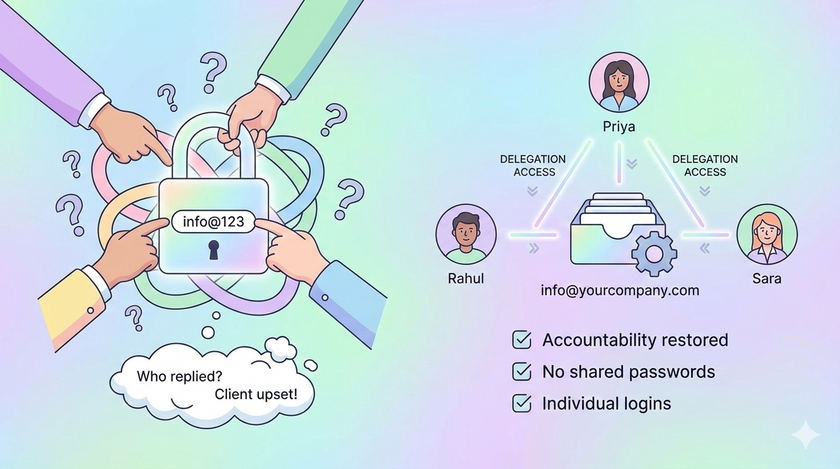
When Everyone Has the Password, No One Is Responsible
You have an info@ email. Or sales@. Or support@. Five people use it. They all know the password. Someone replied to a client yesterday. You do not know who. The client is upset. No one remembers sending that email. Sound familiar? The real problem When five people share one password,
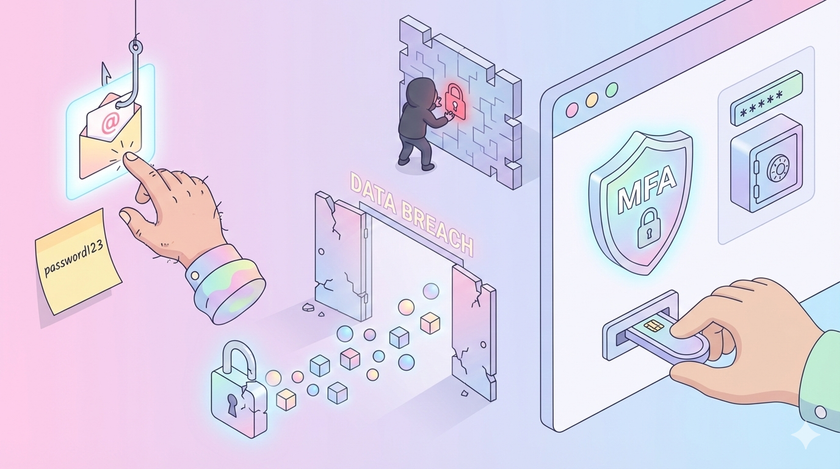
Your Biggest Security Risk Is Not Hackers
Most business owners think about security the wrong way. They imagine hackers in dark rooms, running sophisticated attacks. They assume their business is too small to be a target. Or they believe security requires expensive software and dedicated IT teams. The data tells a different story. Where breaches actually come

When Forms and Sheets Are Not Enough
You have built your first system. Google Forms collects data. Google Sheets stores it. Formulas summarize it. Your team can see the numbers in real time. This is already more than most businesses have. But soon you will hit a wall. Someone fills your feedback form. You want to send